

3D Jewelry Design Software for Mac (2026 Guide)
Best Mac Options for 3D Jewelry Design
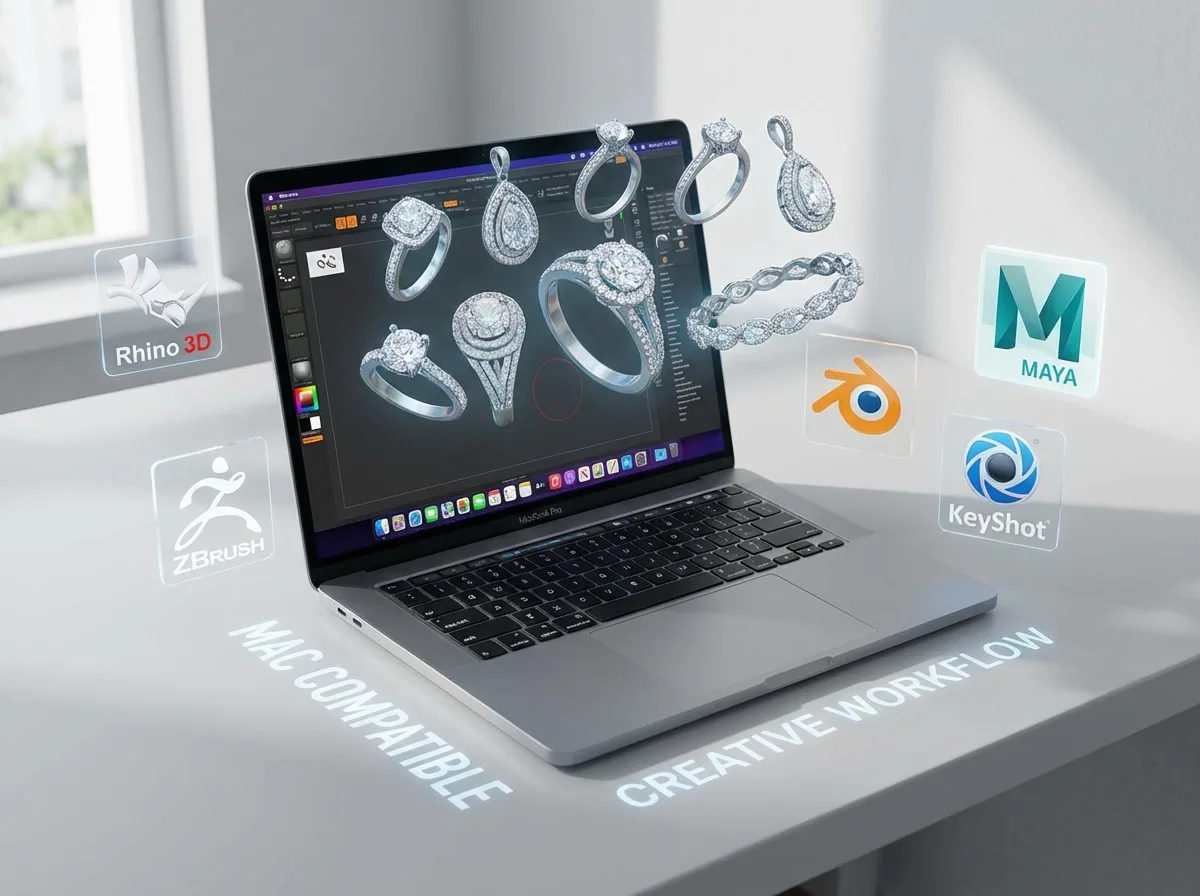
Mac users have more viable choices than they used to, but not every jewelry CAD platform treats Apple users equally. The practical shortlist usually includes Rhino, Rhino with jewelry plug-ins, ZBrush for advanced sculptural work, Blender for budget-conscious concept modeling, and browser-based or cross-platform tools that help with visualization and collaboration.
For most brands and designers, Rhino remains the safest place to start. It is widely used, flexible, and capable of precise modeling that can move into prototyping and manufacturing. If you are comparing broad software categories, our article on best 3d modeling software for jewelry design can help you narrow the field further.
That said, the best choice depends on your workflow. If you sketch and approve concepts on mobile devices, you may also want to review 3d jewelry design on ipad before deciding whether your Mac software needs to do everything or simply fit into a larger creative process.
For jewelry brands, the real question is not just “Can this run on Mac?” It is “Can this help me move from idea to approved sample with less back-and-forth, fewer geometry problems, and clearer communication with my manufacturer?”
Key Capabilities to Look For
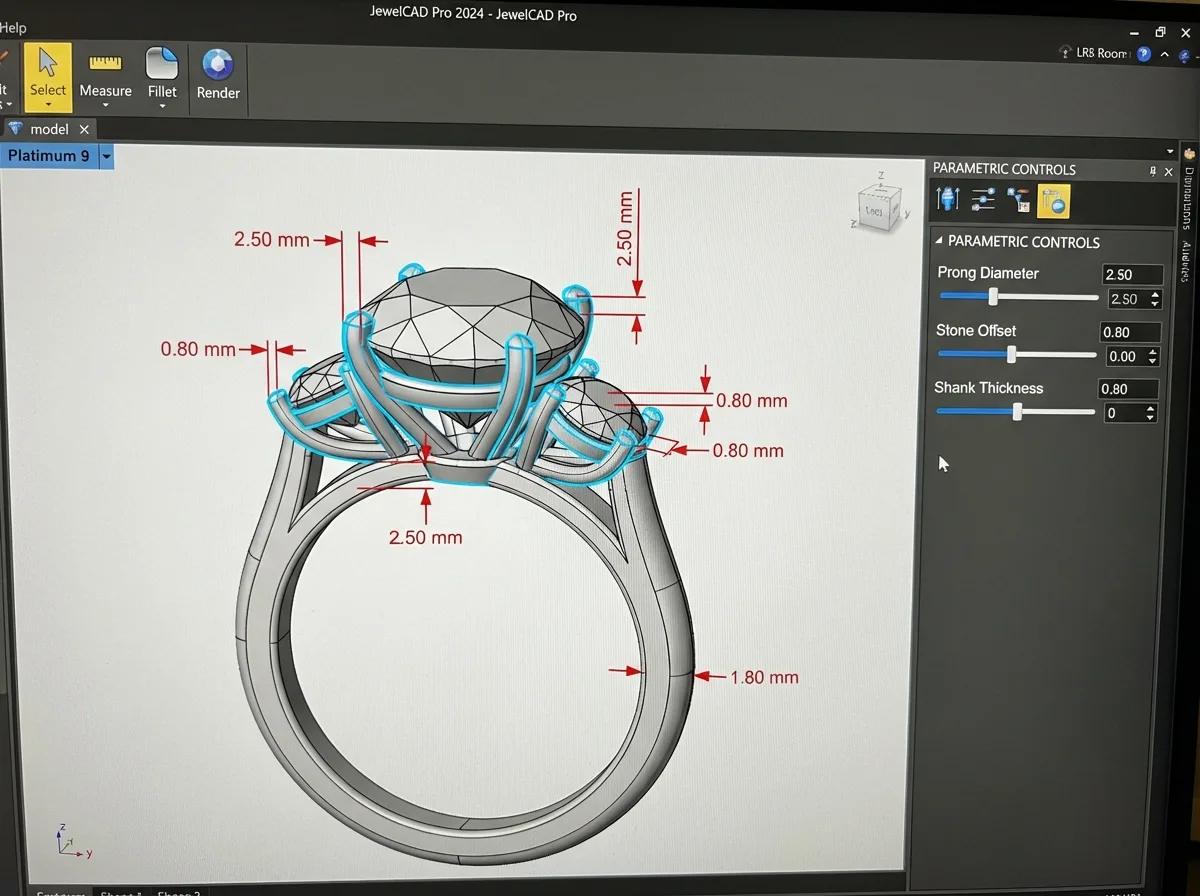
The best mac jewelry design software should support both design freedom and production discipline. Jewelry is small, technical, and unforgiving. Tiny mistakes in prong spacing, wall thickness, ring sizing, or stone seat placement can slow down sampling and increase revision costs.
1. Precision modeling
You need software that can model to exact dimensions, not just create attractive shapes. Rhino stands out here because it is strong in NURBS modeling, which is useful for rings, settings, and technical parts that need measurable accuracy.
2. Jewelry-specific workflow support
General 3D tools can work, but jewelry-focused features save time. These may include stone libraries, pavé tools, finger size controls, profile history, and parametric adjustments. If you are using general-purpose software, expect more manual setup.
3. Export quality for prototyping
Whether you work with resin printing, wax output, or direct manufacturer file review, export quality matters. Look for reliable STL and 3DM support, mesh cleanup options, and surfaces that convert cleanly for production. This is especially important if you are choosing 3d printing jewelry design software rather than only concept software.
4. Rendering and client presentation
Some brands need software that helps sell ideas internally or to wholesale buyers before sampling. Good rendering support can shorten approval cycles. This matters even more if your collection planning follows trend direction, such as the ideas covered in jewelry trends watch 2025 key design elements year.
5. Learning curve and support ecosystem
A powerful tool is only valuable if your team can actually use it. Rhino has a large training ecosystem. Blender has a steep learning curve but a strong community. Sculpting tools can produce dramatic forms, but they may be harder to translate into commercial jewelry unless your production team understands them well.
How the Top Mac Software Options Compare
Rhino is the best all-around choice for most jewelry businesses using Mac. It balances precision, flexibility, file compatibility, and broad industry acceptance. If you are searching for something close to what many buyers mean when they mention rhinoceros 3d jewelry design software, this is usually the reference point.
Rhino with jewelry plug-ins can be even better if your workflow includes repetitive technical tasks like stone layouts and parametric modifications. The tradeoff is added cost and complexity, and some plug-in compatibility can vary depending on version and platform.
ZBrush is excellent for organic, sculptural, and artistic forms. If your brand focuses on statement pieces, creatures, textured surfaces, or unusual silhouettes, it can be a powerful addition. It is less ideal as a standalone production CAD platform for classic commercial fine jewelry.
Blender is attractive because of price and versatility. For startups, it is often the first serious tool explored after basic sketching. Its limitation is that it is not inherently jewelry-first, so teams must build more discipline into sizing, tolerances, and export preparation.
Cross-platform cloud tools can help with collaboration, quick ideation, and presentations. They are often easier to learn, but they usually lack the deep technical control needed for production-ready files.
If your business wants to understand how these tools connect with manufacturing, our articles on technology jewelry design innovations shaping industry and How Use CAD Technology Faster Jewelry Prototyping provide useful context.
Pros and Cons
Strengths
- Mac users can now access several capable 3D design tools without switching hardware ecosystems.
- Rhino-based workflows are widely recognized by jewelry manufacturers, making file handoff easier.
- Apple hardware often provides stable performance, strong displays, and a smooth creative environment for designers.
- Cross-platform and rendering-friendly tools help brands present concepts clearly before investing in samples.
- Mac workflows pair well with iPad sketching, review, and presentation for design-driven teams.
Considerations
- Some jewelry-specific CAD plug-ins and legacy tools are still more Windows-friendly than Mac-friendly.
- Advanced sculpting and modeling software may require significant training before they become commercially useful.
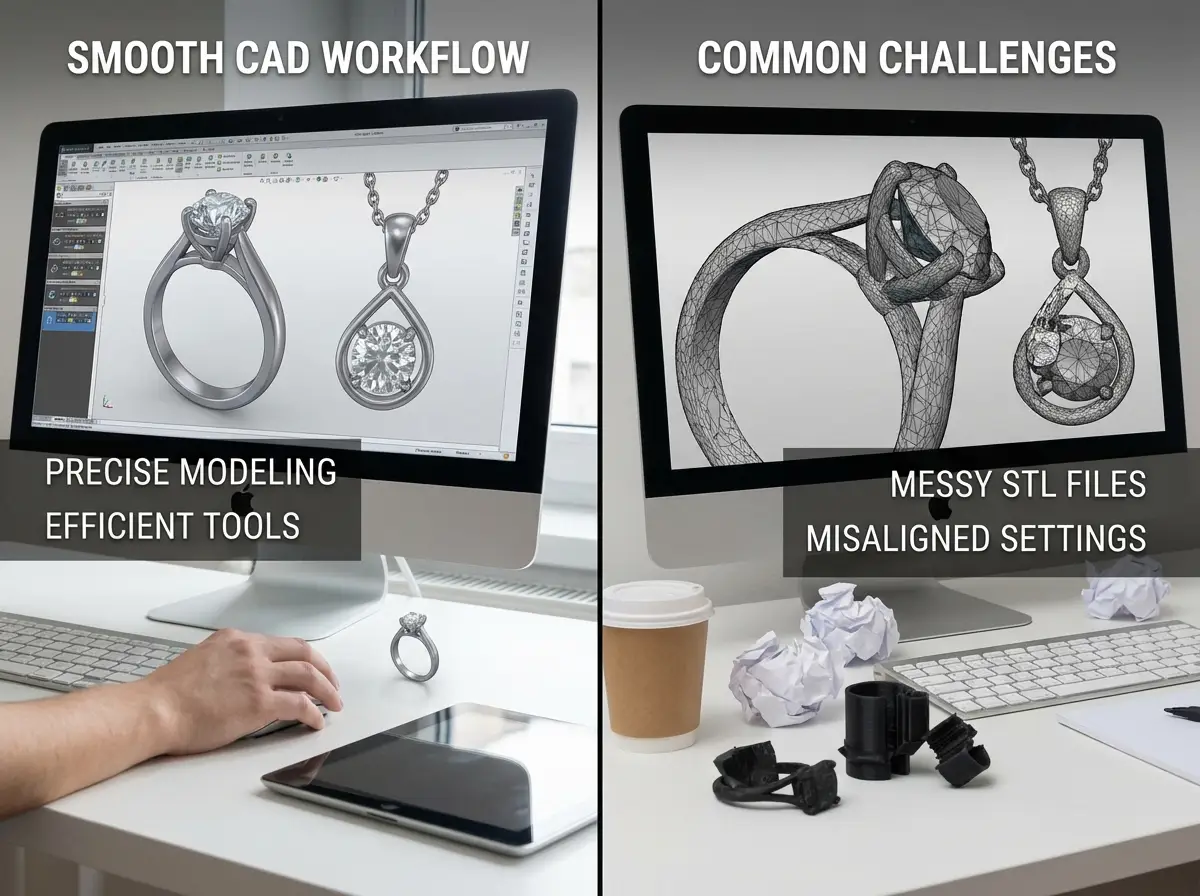
- Not every visually impressive file is manufacturing-ready, so export validation still matters.
- Mac compatibility can change by software version, plug-in support, or rendering engine updates.
Who This Is Best For

Mac jewelry design software is a strong fit for founders, in-house designers, boutique brands, and product development teams that already live in the Apple ecosystem. It works especially well if your workflow includes concept development, presentation, and collaborative review across MacBooks and iPads. It is also a good fit for businesses that want more control over custom jewelry design before approaching a manufacturer.
It may be less ideal for teams that rely on a very specific Windows-only jewelry CAD stack or highly specialized legacy plug-ins. In those cases, a hybrid setup can make more sense than forcing every stage onto macOS.
Where Royi Sal Fits in the Process
Software is only one part of getting a collection to market. What matters just as much is whether your design files can move cleanly into sampling, revisions, and production. Royi Sal supports brands through that handoff with a structured development process, and you can explore our Services and full Customer Journey to see how projects move from concept to finished jewelry.
For brands that need help translating design intent into manufacturable pieces, Royi Sal can be a practical option to explore, especially if you are working in silver and want a partner with an established development workflow. You can also review our Royi Sals 3D Sampling Workflow for a closer look.
To be fair, Royi Sal is not the right fit for every buyer. The business is B2B only, MOQ requirements apply, and custom development takes time. Production orders typically require a lead time, and shipping from Thailand should be considered in your planning. If that fits your brand stage, you can Contact Us to discuss your workflow.
How to Evaluate Mac Jewelry CAD Before You Buy
If you are comparing software seriously, test it the same way you would test a manufacturing partner: against your actual business needs, not marketing claims.
Production readiness
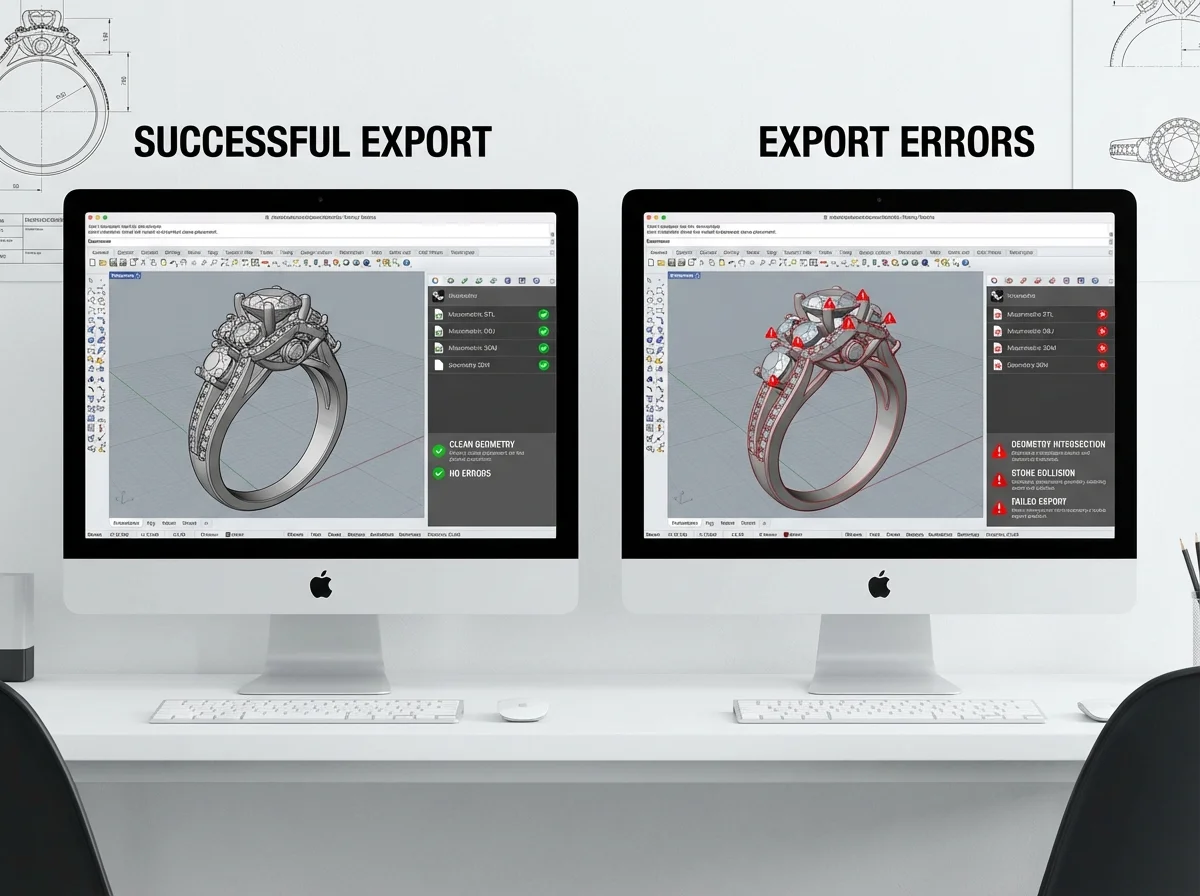
Can the software create files your manufacturer can use with minimal cleanup? Ask for sample export tests. Build one ring, one pendant, and one stone-set design. If you cannot pass those files forward cleanly, the tool may not be the right long-term choice.
Design complexity fit
Some tools are excellent for classic commercial jewelry. Others shine in sculptural or fashion-forward work. Match the tool to your product direction. If your line follows trend-driven silhouettes, reviewing current inspirations in our Jewelry Collections and In-House Designed pages can help clarify the level of complexity you actually need.
Team usability
Do not buy based on what a freelancer or software reviewer can do. Buy based on what your team can repeat consistently. Training time is a real cost. A slightly less advanced tool that your designer masters in 30 days may create better outcomes than a powerful tool nobody uses well.
Approval workflow
Think beyond modeling. Can you render clearly, annotate files, share revisions, and keep version control organized? Software that improves communication can save more money than software with the longest feature list.
Total cost
Look past license price. Include plug-ins, rendering tools, training, outsourced file cleanup, and lost time from failed prototypes. Free or low-cost software can still become expensive if it creates delays. A practical buyer compares total workflow cost, not just subscription cost.
Types of Mac Jewelry Design Workflows
Not every Mac-based workflow is trying to solve the same problem. What many people overlook is that software fit often comes down to the kind of jewelry you design most often.
Precision CAD workflows
If your work centers on rings, stone settings, wedding bands, and repeatable commercial styles, precision CAD matters most. In that case, a NURBS-based workflow is usually the better fit because it gives you cleaner dimensional control, easier revisions, and more confidence when a manufacturer checks tolerances.
Organic and sculptural workflows
If your brand leans toward texture, character pieces, fluid forms, or artistic silhouettes, sculpting tools may feel more natural. The reality is that these workflows can produce impressive visuals on Mac, but they often need more cleanup before sampling. Organic design freedom is helpful, but it does not replace production discipline.
Hybrid workflows
Many teams end up combining tools. A designer may shape the concept in one program, refine technical areas in another, then export for print review or manufacturer feedback. From a practical standpoint, this can be a smart approach for Mac users because no single tool is perfect at everything. The important part is keeping scale, stone sizes, and structure consistent from one stage to the next.
Presentation-first workflows
Some brands mainly need fast concept approval. If that is your situation, rendering, annotation, and collaboration features may matter more than deep technical functions in the early stage. Just be careful not to confuse approval-ready visuals with sample-ready CAD. A file that looks polished on screen may still require rebuilding before it can move into production.
Mac Hardware and Performance Considerations
Software selection is only part of the decision. Your Mac hardware affects how smooth the workflow feels, especially once files become more detailed.
For simple rings and clean commercial pieces, a modern Mac can usually handle the job well. Problems tend to show up when models become dense, rendering scenes get heavy, or sculptural surfaces require more processing. If your team works on pavé layouts, repeated patterning, or complex organic surfaces, test performance before standardizing on one setup.
Consider this: display quality helps with design review, but memory and graphics performance affect day-to-day usability more. Lag during rotation, slow file saves, and unstable rendering sessions cost time. Those delays can be manageable for a solo designer, but they become expensive if several approvals depend on one machine.
It is also worth checking how your preferred plug-ins behave on your exact macOS version. Mac support is not just about whether the main software installs. It is about whether your full stack stays stable through updates, exports consistently, and works with the render tools or add-ons your team actually uses.
What Makes a Jewelry File Manufacturing-Ready on Mac
A common gap in software comparisons is the difference between a finished design and a manufacturable file. The operating system is not the real issue here. Geometry quality is.
In practical terms, a manufacturing-ready jewelry file should have clean surfaces or meshes, correct scale, realistic wall thickness, and stone seats that reflect actual dimensions rather than visual approximations. If you are modeling clasps, hinges, or assembled parts, clear spacing and movement allowances matter too.
Now, when it comes to handoff, ask your manufacturer what they want reviewed before sampling. Some teams prefer editable native files for revision flexibility. Others mainly need a clean STL for print preparation. If your software can only export one format well, that limitation may affect revision speed later.
Think of it this way: the best Mac jewelry design software is not the one that creates the most attractive screenshot. It is the one that helps you produce files with fewer hidden problems. A good test is to review one model for sizing, stone count, minimum thickness, and printability before you decide the workflow is ready for real product development.
Frequently Asked Questions
Is there true jewelry CAD software for Mac?
Yes, but the options are more limited than on Windows. Rhino is the most common serious choice for Mac users because it supports precise modeling and is widely accepted in jewelry development. Some jewelry-specific add-ons may have version or platform limitations, so you should always verify compatibility before committing.
What is the best 3D jewelry design software for Mac beginners?
For beginners who still want a professional path, Rhino is often the best starting point because it balances usability with production relevance. Blender can be attractive because it is free, but many new users find it harder to learn for precise jewelry work. The right answer depends on whether you value cost, speed, or technical accuracy most.
Can I use Blender for jewelry design on a Mac?
Yes, Blender runs on Mac and can be used for jewelry design, especially for concept modeling, rendering, and creative exploration. Its main drawback is that it is not built specifically for jewelry manufacturing. That means your team will need stronger internal discipline around scale, tolerances, and file export quality.
Is Rhino better than Matrix-style jewelry software on Mac?
For Mac users, Rhino is often the more practical choice because native compatibility is clearer and adoption is broad. Matrix-style workflows can be powerful, especially for jewelry-specific tasks, but Mac support and plug-in availability may not always be as straightforward. If your brand values reliability on Apple devices, Rhino usually feels safer.
Do I need a Mac-specific tool, or can I use general 3D software?
You can absolutely use general 3D software, but it depends on your goals. If you need production-ready CAD, general tools often require more manual work. If you mainly need ideation, presentations, or early-stage concept exploration, general 3D software can work well and sometimes offers better value for small teams.
What file formats matter most for jewelry production?
For most jewelry workflows, STL is important for printing and prototyping, while native editable files such as 3DM can help with revisions. Ask your manufacturer which formats they prefer before locking in software. A tool that exports the wrong type of geometry can create unnecessary redesign work later.
Can Mac software handle 3D printing jewelry design software needs?
Yes, many Mac-compatible tools can support 3D printing workflows, but success depends on the quality of the model and export settings. Clean meshes, proper wall thickness, and accurate tolerances matter more than branding claims. Always test with a real print or manufacturer review before assuming a file is production-safe.
Should a jewelry brand buy software before choosing a manufacturer?
Not always. If your brand has in-house design capability, software can give you more control and speed. But if you are still developing your product line, it may be smarter to first understand what your manufacturing partner can support. The best setup is one where your design tools and production process work together.
How does Mac-based design affect manufacturing communication?
Mac itself is usually not the issue. File quality, format, and clarity are what matter. A well-built Mac workflow can communicate beautifully with manufacturers. Problems typically come from incomplete technical details, loose tolerances, or files made for visuals rather than production. Strong documentation matters more than operating system choice.
Can Mac software support parametric jewelry design workflows?
Yes, in some cases. Parametric workflows are useful when you need to adjust ring sizes, stone dimensions, or repeated design elements efficiently. The key is to confirm that the Mac-compatible software or plug-ins you want actually support those changes in a stable way. If your product line relies on frequent size variations or modular collections, this matters more than a polished interface.
Is browser-based jewelry design software enough for a Mac user?
It can be enough for concepting, collaboration, and early visual review, especially for teams that want a lighter setup. It is usually not enough for brands that need technical jewelry CAD ready for prototyping and production. Browser tools are often best treated as part of the workflow, not the whole workflow.
Do Mac users need bench knowledge to choose the right jewelry CAD tool?
Bench knowledge helps more than many buyers realize. Even if your team designs digitally, understanding wearability, stone setting limits, assembly tolerances, and finishing constraints leads to better software decisions. A tool may look powerful on paper, but if it encourages designs that are hard to cast, set, or polish, it may not serve your business well.
Key Takeaways
- Rhino is usually the strongest all-around choice for serious jewelry CAD on Mac.
- Mac-friendly software should be judged on production readiness, not just interface quality.
- General 3D tools can work, but they often need more discipline for jewelry manufacturing use.
- Your best software choice depends on your design style, team skill level, and prototyping workflow.
- A manufacturer-ready process matters as much as the software itself when developing custom jewelry.
Conclusion
The best mac jewelry design software is the one that helps your brand move from concept to sample with fewer revisions, cleaner files, and better communication. For most Apple users, Rhino is still the safest professional starting point, while Blender, ZBrush, and other tools can make sense for specific creative directions. The key is to choose software that matches both your design ambitions and your production reality. If you are developing a collection and want to see how design files translate into manufacturable pieces, Royi Sal can be a useful partner to explore. Review our process, compare your options carefully, and if you want practical guidance on the next step, get in touch.




Responses (0)